
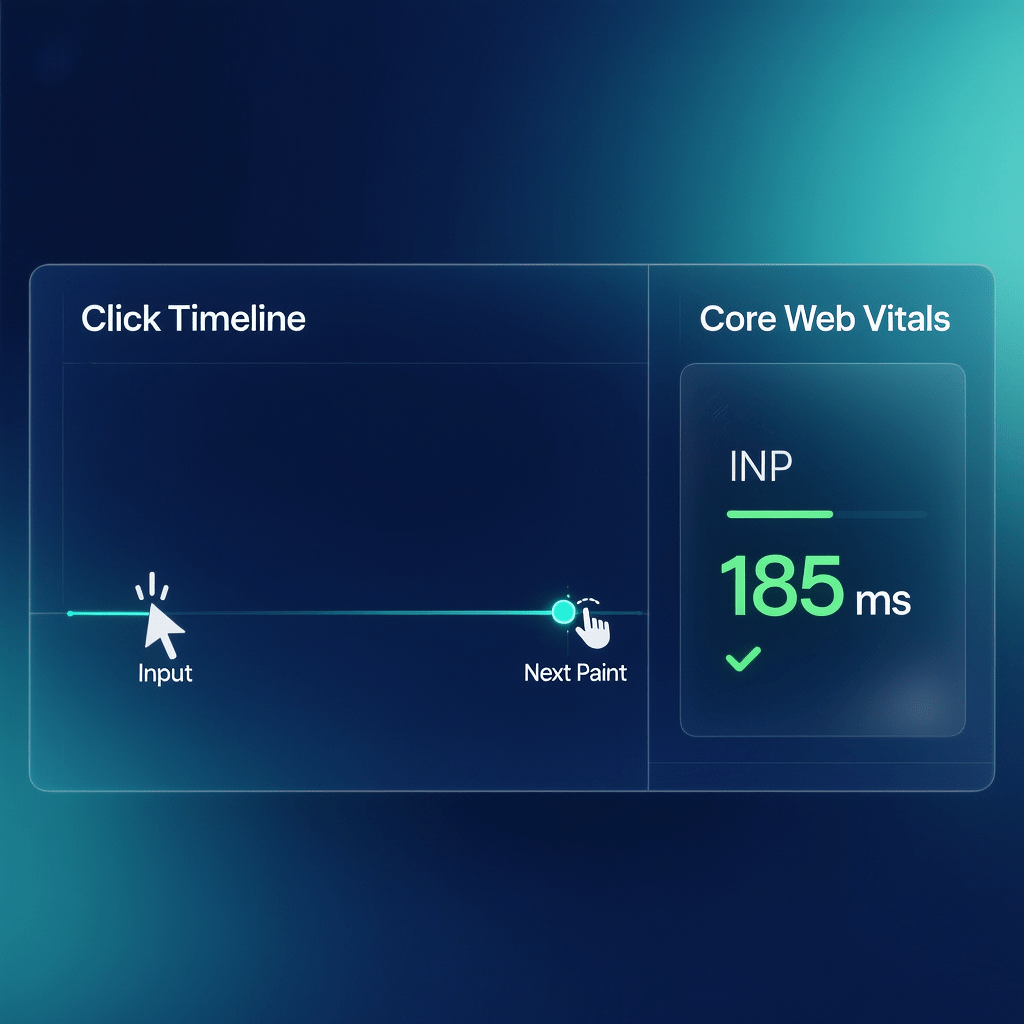
A practical roadmap to reduce input lag and keep UIs feeling instant
INP Optimization Techniques: 21 Proven Wins
By Morne de Heer • Published by Brand Nexus Studios

When clicks feel sticky or touches lag, users bounce. That moment is captured by Interaction to Next Paint. In this guide you will learn INP optimization techniques that reduce input delay, keep the UI responsive, and lift conversions without risky rewrites.
We will cover what INP measures, how to profile real interactions, and the exact INP optimization techniques that move the needle. You will also get checklists, code patterns, and a rollout plan you can follow this week.
If your site already passes LCP and CLS but engagement still dips, it is time to focus on INP optimization techniques that clear main thread work at the moment of user input.
What INP measures and why it matters
INP reflects the worst interaction latency a user experiences on a page. It looks across clicks, taps, and key presses and picks the slowest end to next paint. Strong INP feels instant, while weak INP makes simple tasks feel broken.
Because INP samples the worst case on a page, outliers matter. A single slow handler, a heavy third party script, or a long task during a click can tank perceived quality. This is why INP optimization techniques target the specific work that blocks the next paint.
- Good: below 200 ms on mobile and desktop.
- Needs improvement: 200 to 500 ms.
- Poor: above 500 ms. Users notice and churn.

How to measure INP in the lab and the field
Start with a lab trace so you can see the exact tasks that block the next paint. Then confirm with field data because device mixes and third party scripts behave differently in production. Use both views to choose INP optimization techniques with confidence.
- Lab: Chrome DevTools Performance panel, Lighthouse, and profiler traces during real clicks.
- Field: a lightweight RUM snippet that records the worst interaction per page view and reports it with context.
- Segmentation: break down by page template, device, connection, and country to aim fixes precisely.
A tiny RUM snippet helps you track the metric over time. Pair it with experiments so you can prove which INP optimization techniques create real wins.
<script>
// Minimal RUM for INP using the web-vitals library
// Send the metric to your analytics endpoint with page, route, and device info
import('https://unpkg.com/web-vitals/dist/web-vitals.attribution.iife.js').then(({ onINP }) => {
  onINP(({ value, id, attribution }) => {
    navigator.sendBeacon('/rum', JSON.stringify({
      id, value,
      target: attribution.eventTarget,
      interactionType: attribution.interactionType,
      component: attribution.interactionTarget
    }));
  });
});
</script>
21 INP optimization techniques that work
The list below distills the most reliable fixes. You do not need them all. Pick the few that match your bottlenecks, ship, and measure. Successful teams apply INP optimization techniques gradually and lock in each gain.
1) Break up long tasks aggressively
Any main thread task that runs over 50 ms is a risk. Split heavy work into smaller chunks with setTimeout, requestIdleCallback, or cooperative scheduling so the thread can paint after input. This is one of the most effective INP optimization techniques for busy pages.
2) Trim JavaScript at the source
Fewer bytes means less parse and execute time. Delete dead code, drop unused polyfills, and lazy load non essential features. Code you never ship is the cleanest of all INP optimization techniques.
3) Prioritize input handlers
Keep click and key handlers tiny. Do the minimum, then schedule the rest. Avoid synchronous data fetching or heavy computations inside handlers. This class of INP optimization techniques reduces time to next paint dramatically.
4) Use passive listeners for touch and wheel
Mark touchstart and wheel listeners as passive so the browser does not wait to see if you will call preventDefault. This frees the compositor to scroll and paint sooner. It is a simple INP optimization techniques win with zero UX change.
5) Throttle or debounce noisy events
For input streams like search as you type, throttle updates to one per 100 to 200 ms. For window resize, debounce to the end of the burst. Smart scheduling is one of the most approachable INP optimization techniques.
6) Avoid layout thrash in handlers
Reading layout then writing styles in a loop forces sync reflow. Batch reads, then writes. Use transforms and opacity to avoid reflow during animations. This is one of those subtle INP optimization techniques that pay off quickly.
7) Offload heavy logic to a Web Worker
Parsing, sorting, or data formatting belongs off the main thread. Workers keep the UI responsive during input. For CPU bound interactions, this is a top tier INP optimization techniques approach.
8) Precompute on the server
Render derived data server side so the client does less work when a user clicks. Pre-sort lists, pre-calc totals, and ship ready to render HTML. Server first thinking often beats client side INP optimization techniques because there is simply less to do.
9) Lean on CSS for micro interactions
Use CSS transitions for hover states, taps, and toggles. Stick to transform and opacity so the compositor handles it. Swapping JS animations for CSS is one of the easiest INP optimization techniques to ship.
10) Reduce hydration and reconcile smaller trees
Client side hydration can swamp the main thread. Prefer server components or islands where possible, and hydrate only what users touch early. Right sizing the reactive work is an advanced but powerful INP optimization techniques category.
11) Virtualize long lists
Rendering hundreds of nodes on click delays paint. Virtualize scrollers and table views so you render only what is visible. List virtualization is a classic INP optimization techniques move for data heavy UIs.
12) Kill or sandbox heavy third parties
Audit tags. Remove anything unused. Load remaining scripts with async or defer and isolate expensive logic with workers or iframes. Tag hygiene is a direct INP optimization techniques lever with immediate impact.
13) Preload the next interaction path
Use predictive prefetch for routes or modules users are likely to click. By pulling code ahead of time, the input moment stays light. Balanced prefetching is one of the smarter INP optimization techniques when used carefully.
14) Optimize images for interactive views
Decode images asynchronously and avoid oversized assets near interactive controls. Preload hero images, but keep everything else lazy. Tight media discipline supports other INP optimization techniques by preventing jank during clicks.
15) Keep fonts from blocking input
Use font-display: swap or optional and subset aggressively. Avoid layout shifts when users type. Clean font loading is a supportive INP optimization techniques practice that reduces visual delay after input.
16) Minimize reflow with smaller DOM changes
Change classes instead of inline styles. Toggle visibility with transforms rather than height. Reduce DOM depth in hotspots. These structural INP optimization techniques cut the cost of each paint.
17) Yield to the browser between steps
Use await on a micro delay like await new Promise(r => setTimeout(r, 0)) to allow a paint between heavy steps. Cooperative yielding turns blocking work into smooth progress and is one of the more surgical INP optimization techniques.
18) Batch state updates
Whether you use React, Vue, or vanilla, batch updates to avoid redundant renders. One render after input beats five micro renders that delay the next paint. Batching is a foundational INP optimization techniques tactic.
19) Use priority hints and fetch wisely
Low priority for non critical fetches leaves headroom for input. Defer analytics beacons until after the first interaction. Smart network priorities complement other INP optimization techniques by keeping the main thread clear.
20) Guard against effect waterfalls
Audit lifecycle hooks for chained work. Collapse multiple effects into a single update or move them out of the critical path. Effect hygiene ranks high among developer friendly INP optimization techniques.
21) Set per template budgets and alarms
Create service level objectives for INP by template and device. Alert when the 75th percentile crosses a threshold. Operational guardrails make your INP optimization techniques stick long term.

Deep diagnosis workflow for real interactions
Great fixes start with a clean trace. Record a Performance profile while you click the exact control that feels slow. Set a start marker at input and look for the first paint after it. This isolates where INP optimization techniques will matter most.
- Record a trace on a mid range Android device profile to match your field reality.
- Find long tasks over 50 ms. Expand them and note the scripts and functions inside.
- Watch for layout thrash, style recalculation, and forced sync measures after input.
- Map each hot path to a fix category from the INP optimization techniques list above.

Framework notes that keep INP in the green
React
Use lazy routes, split heavy components, and avoid state changes in tight loops. Consider server components or islands to reduce hydration overhead. A focused set of INP optimization techniques for React can bring big wins with small diffs.
Vue
Prefer computed values to watchers for derived state. Batch updates and keep watchers light. These are simple INP optimization techniques that avoid unnecessary work.
Angular
Turn on OnPush where possible, reduce zone churn, and avoid expensive pipes in hot paths. Angular teams benefit heavily from INP optimization techniques that cut change detection work after input.
Mobile realities and input types
Fingers are less precise than cursors and networks vary. Test on mid tier mobile hardware with a spotty connection. Mobile centric INP optimization techniques matter because thermal throttling and background tasks will magnify any waste.
- Tap targets should be large and simple to paint.
- Key interactions like add to cart or login deserve special attention.
- Keep animations short and GPU friendly near input.
Media, caching, and page hygiene that support INP
While INP is not a network metric, asset discipline still helps. Compress images, ship modern formats, and cache aggressively. This frees the main thread at input time and complements other INP optimization techniques across your stack.
- Use AVIF or WebP and responsive sizes. All images in this post are compressed for page speed.
- Set long cache lifetimes for static assets with fingerprinted URLs.
- Defer non essential third party scripts until after first interaction.

Rollout plan that reduces risk
You do not need a big bang release. Start with your highest traffic template, ship two small changes, and watch field data for a week. This staged approach helps you validate INP optimization techniques and avoid regressions.
- Pick one page type and one interaction to fix first.
- Ship a small change set focused on handlers and long tasks.
- Measure the 75th percentile INP by device class in production.
- Repeat with the next template and a different technique from the list.
Who should own the work
INP spans engineering, UX, and analytics. Assign an owner who can coordinate profiling, fixes, and measurement. Successful teams make INP optimization techniques part of their performance definition of done.
Need expert backup for the technical plan and prioritization? The team at Brand Nexus Studios can help with SEO services that include Core Web Vitals audits and roadmaps aligned to your stack.
When you move from plan to build, pairing with website design and development support ensures the fixes ship cleanly across templates and components.
To keep results visible, set up analytics and reporting that track INP by page and device so wins do not slip over time. These processes make your INP optimization techniques durable.
Field vs lab results and how to reconcile them
Lab profiles show root causes. Field data shows impact. When they disagree, look for device differences, third party behavior, or feature flags. Steady iteration on INP optimization techniques brings the two views into alignment.

Common pitfalls that slow interactions
- Doing expensive state work inside click handlers that should be scheduled. Swap to gentler INP optimization techniques.
- Letting third party scripts run at input time. Delay, sandbox, or remove them.
- Rendering large lists on toggle. Virtualize or memoize instead.
- Triggering layout thrash by mixing reads and writes. Batch operations.
- Assuming desktop lab wins will translate to mobile. Test on realistic hardware.
FAQs
Quick answers for teams applying INP optimization techniques.
What is a good INP score and why does it matter?
Good is below 200 ms. It matters because users feel taps and clicks as instant, which improves retention and revenue. INP optimization techniques help you hit that mark at scale.
How do I measure INP in production?
Use a small RUM script to capture the worst interaction in each session, then segment by device and template. This lets you target INP optimization techniques precisely.
Will throttling and debouncing hurt UX?
Not when used carefully. For fast typing, throttle updates. For resize, debounce. Test each change and keep the UI responsive. These are safe INP optimization techniques when tuned.
Do frameworks inherently cause poor INP?
No. Poor INP comes from long tasks and heavy work at input time. Frameworks provide tools to reduce it. Apply pragmatic INP optimization techniques like splitting work and batching updates.
Where should I start if everything feels slow?
Pick one template, record a trace, find the top two long tasks after input, and fix those first. Then iterate with two more INP optimization techniques and measure again.
References
About the Author




