

Illustrating the core decoupled structure of headless CMS and its SEO potential.
Headless CMS for Beginners SEO: 14 Essential Strategies
By Morne de Heer | Published on September 20, 2025 | Brand Nexus Studios

Stepping into the realm of modern web development can feel overwhelming, especially when terms like headless CMS for beginners SEO start popping up. But fear not-this guide is designed to demystify the concept and show you how to harness its power for better search engine rankings. At Brand Nexus Studios, a leader in digital marketing, website building, hosting, and maintenance, we’ve seen firsthand how adopting a headless approach can transform online visibility for our clients.
Imagine creating content that flows effortlessly across websites, mobile apps, social media, and even smart devices, all while keeping SEO at the forefront. That’s the magic of a headless CMS. Unlike traditional systems that bundle everything together, headless architecture separates the content backend from the presentation frontend. This decoupling allows for unprecedented flexibility, but it also means you need to be intentional about SEO from the ground up.
If you’re new to this, you might wonder why bother with headless CMS for beginners SEO. The answer lies in performance and scalability. Search engines prioritize fast, user-friendly sites, and headless setups excel here by delivering content via APIs, reducing load times and improving crawlability. However, without proper optimization, you risk missing out on these benefits. That’s where our 14 essential strategies come in-they’ll take you from novice to knowledgeable, ensuring your site ranks higher and attracts more organic traffic.
Before diving into the strategies, let’s build a solid foundation. Understanding the basics will make the rest click into place.
The Evolution of Content Management Systems
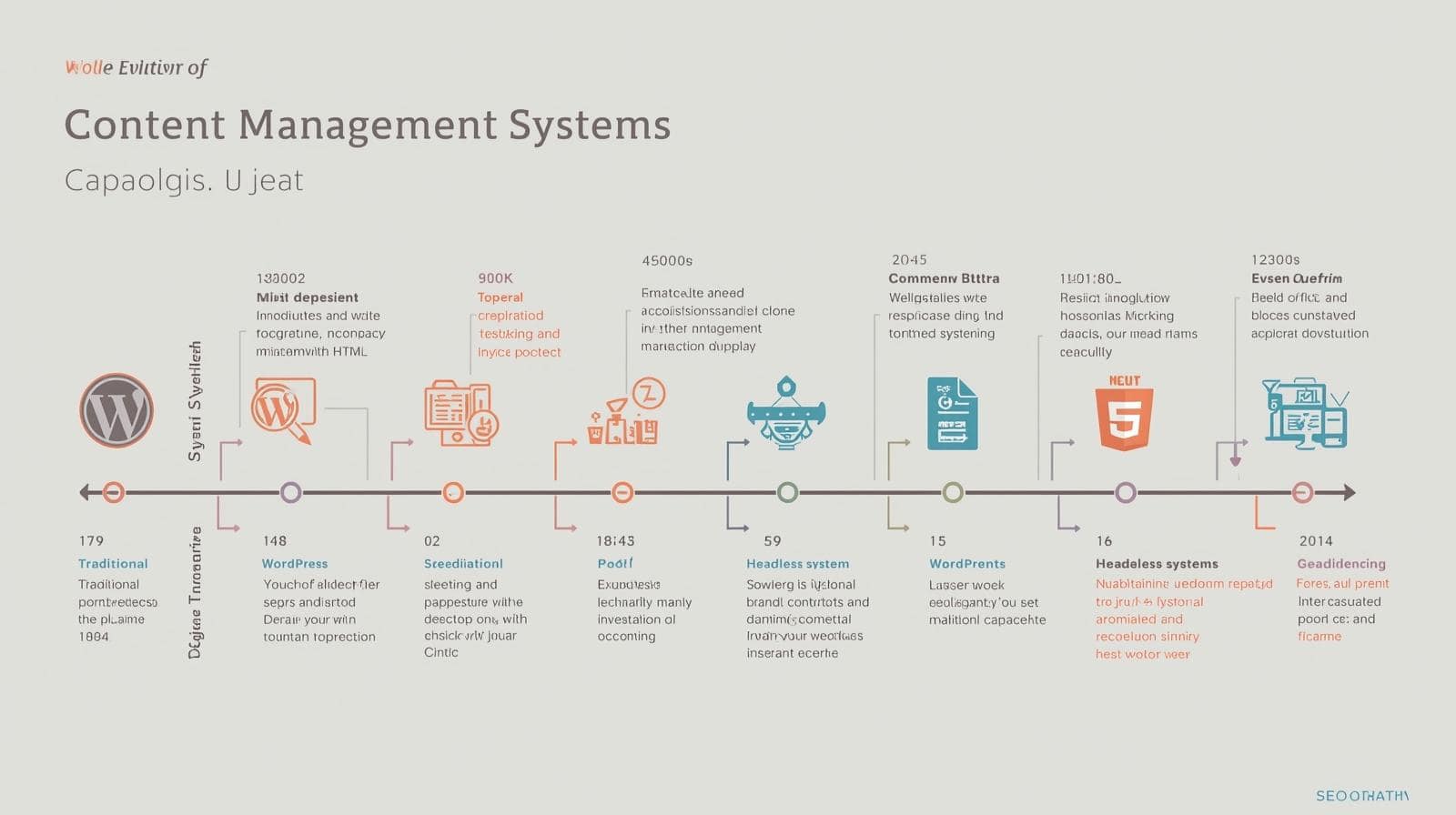
Content management has come a long way since the early days of static HTML sites. In the 1990s, websites were hand-coded, making updates tedious. Then came traditional CMS platforms like WordPress in 2003, revolutionizing content creation with user-friendly interfaces and plugins.
However, as digital experiences expanded to include apps and IoT, these monolithic systems showed limitations. They tied content to specific templates, making omnichannel delivery challenging. Enter headless CMS in the mid-2010s, pioneered by platforms like Contentful and Sanity. This shift decoupled content from presentation, allowing developers to use modern frameworks like React or Vue for frontend rendering.
For SEO, this evolution means moving from plug-and-play optimizations to custom implementations. Traditional CMS offer SEO plugins that handle meta tags and sitemaps automatically. In contrast, headless requires manual setup, but the payoff is greater control and better performance metrics, which Google rewards.
Today, with Google’s emphasis on Core Web Vitals and mobile-first indexing, headless CMS for beginners SEO is more relevant than ever. It allows for hybrid rendering approaches that balance speed and crawlability, ensuring your content shines in search results.
Why the Shift to Headless Matters for Beginners
If you’re just starting, the headless model might seem complex, but it’s built for the future. It supports agile development, where teams can iterate quickly without overhauling the entire site. For SEO beginners, this means learning to think in terms of content models rather than pages-a mindset shift that pays dividends in long-term ranking stability.
Consider a small business blog: In a traditional setup, updating a post might require theme adjustments. Headless lets you manage content centrally and push updates seamlessly, keeping SEO elements intact.
What Exactly is a Headless CMS?
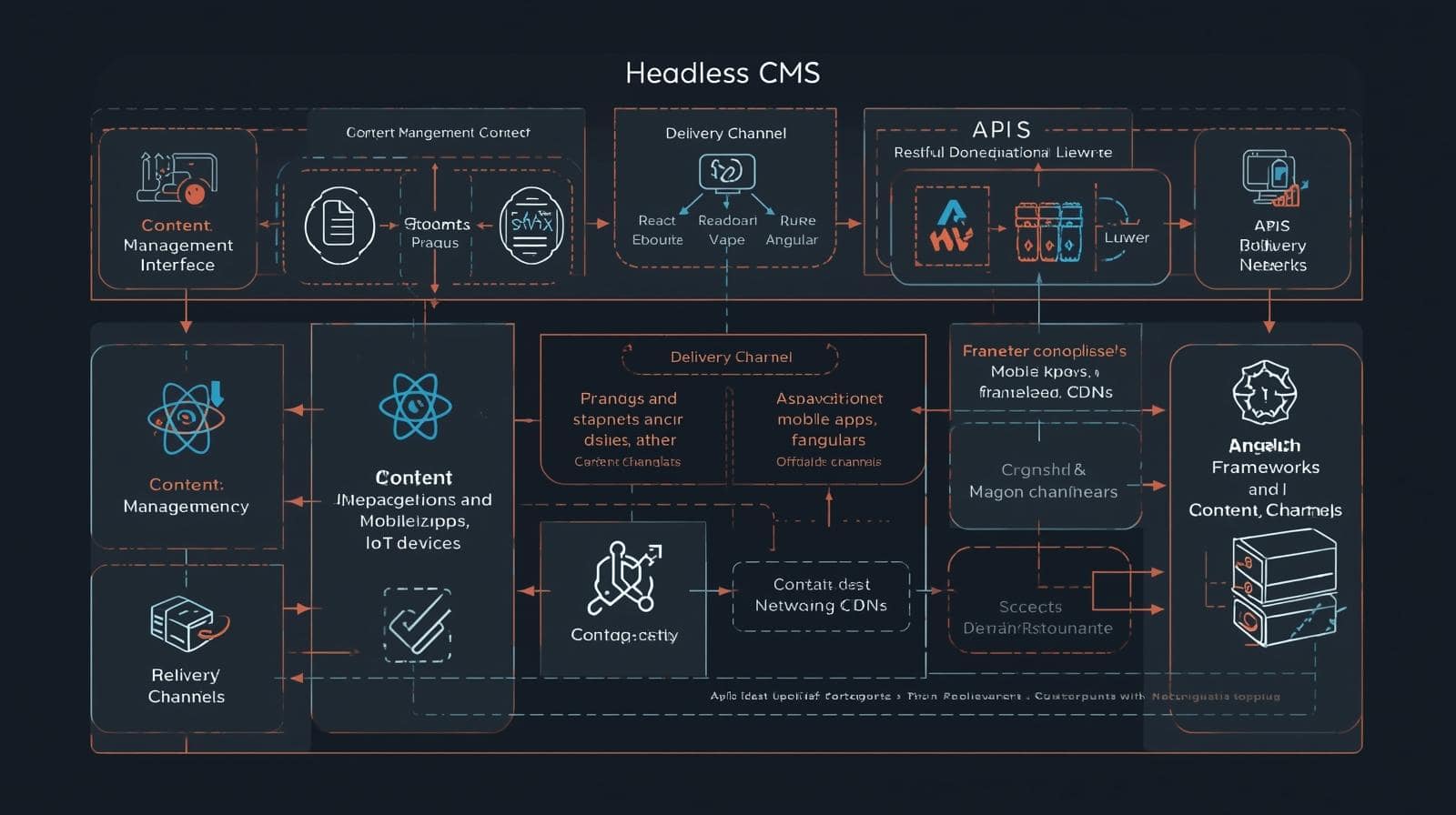
At its core, a headless CMS is a backend-only system that stores content as structured data, accessible via APIs. The “headless” part refers to the absence of a built-in frontend-no predefined templates or themes. Instead, you connect it to any “head” or presentation layer you choose.
For beginners, picture it like a restaurant kitchen (backend) preparing ingredients (content), which waiters (APIs) deliver to tables (frontends) in customized plates (designs). This flexibility is key for SEO, as it enables optimized delivery tailored to search engine requirements.
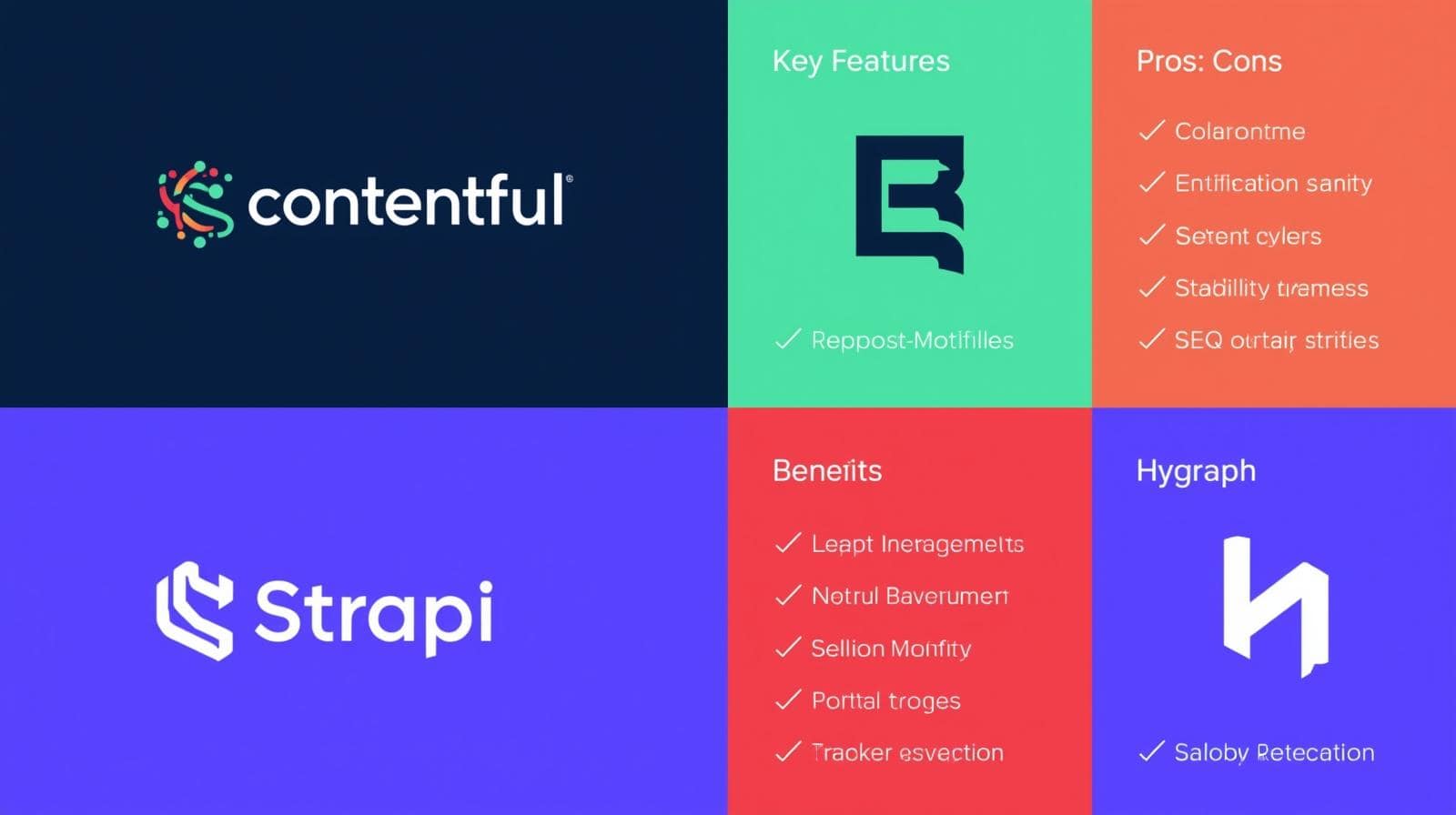
Common headless platforms include Contentful, Strapi, Sanity, and Hygraph. Each offers user-friendly dashboards for content entry, but the real SEO magic happens in how you structure and render that content.
Why does this setup boost SEO? It eliminates bloat from traditional CMS, leading to faster sites. Google loves speed, with page load times directly impacting rankings. Plus, APIs ensure consistent content across channels, reducing duplicate content issues.
Key Components Explained
- Content Repository: Your database of articles, images, and data fields.
- APIs (REST or GraphQL): Bridges that fetch content on demand.
- Frontend Frameworks: Tools like Next.js for building dynamic UIs.
- CDNs: Networks that cache content for global speed.
Getting started? Choose a platform with good documentation, like Strapi for open-source fans or Contentful for enterprise scalability. Experiment with free tiers to grasp the basics before diving into SEO optimizations.
Differences Between Headless and Traditional CMS for SEO
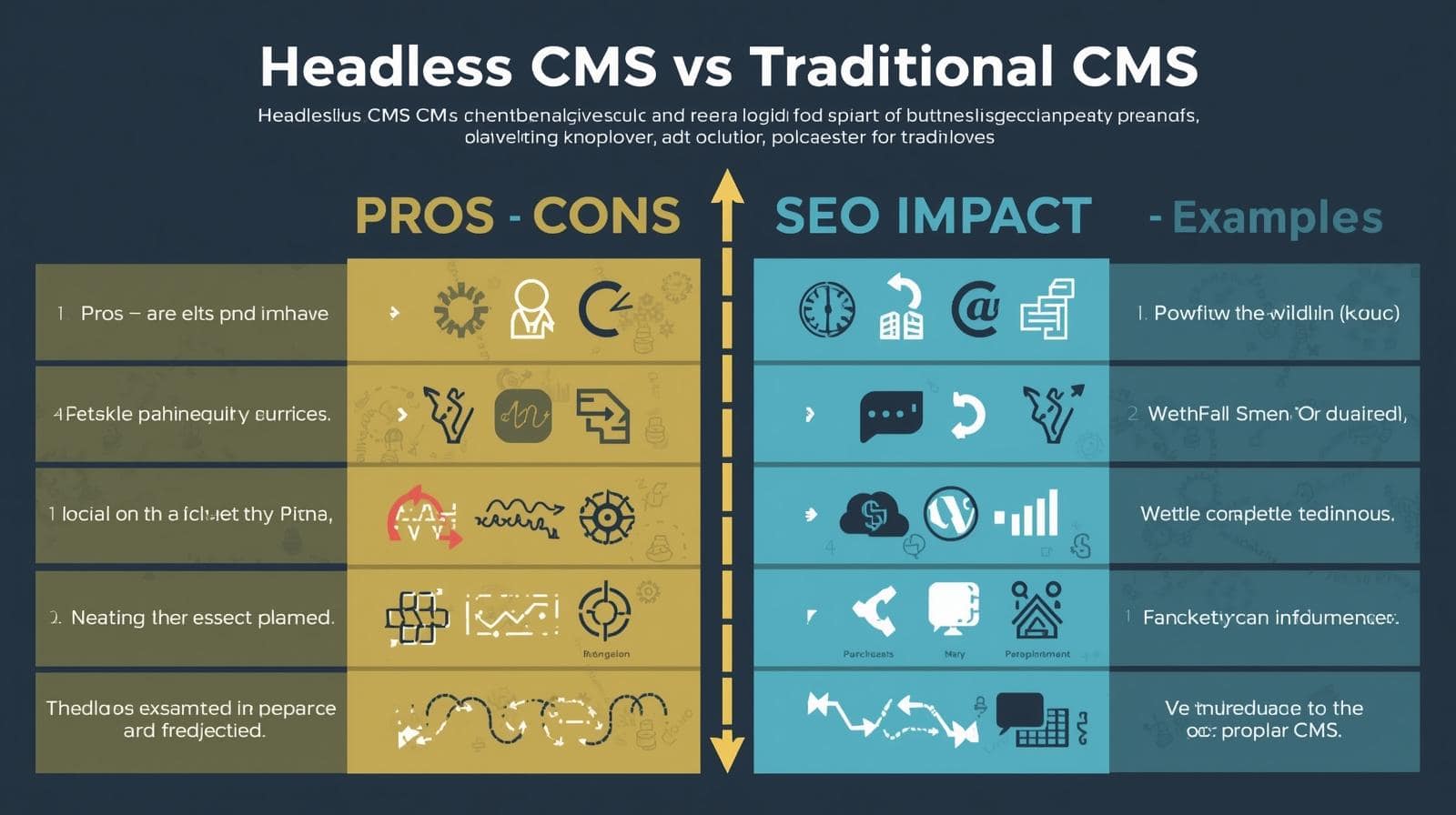
Traditional CMS like WordPress integrate everything-content, design, and functionality-in one package. SEO is straightforward with plugins handling sitemaps, meta tags, and more. However, this bundling can lead to slower sites and limited flexibility.
Headless CMS flips the script by decoupling layers. SEO becomes a deliberate process: You define content models with SEO fields, manage rendering for crawlability, and handle technical elements manually. This requires more upfront work but yields superior results.
For instance, in traditional systems, changing a URL structure might break links. Headless allows dynamic URLs via APIs, maintaining SEO integrity. Content modeling also prevents silos, enabling better internal linking and topic clusters that Google favors.
Another key difference is scalability. Traditional CMS struggle with high traffic, impacting SEO through slow loads. Headless, paired with CDNs, handles spikes effortlessly, keeping your site performant.
Pros of Headless CMS for SEO
- Superior speed through optimized delivery.
- Omnichannel consistency for broader reach.
- Customizable SEO implementations.
- Enhanced collaboration between teams.
- Better handling of structured data.
Cons and How to Mitigate Them
- Steep learning curve: Start with tutorials and simple projects.
- Developer dependency: Use no-code tools or hire experts like those at Brand Nexus Studios.
- Potential for overlooked SEO: Conduct regular audits.
Overall, for businesses eyeing growth, headless CMS for beginners SEO offers a competitive edge, especially when integrated with our website design and development services.
The New Era of Technical SEO with Headless CMS
Technical SEO has shifted from basic on-page tweaks to architectural optimizations. Headless CMS aligns perfectly with this, emphasizing API efficiency, structured data, and rendering strategies.
In this era, Core Web Vitals-largest contentful paint, first input delay, cumulative layout shift-are paramount. Headless setups excel by minimizing JavaScript bloat and enabling edge computing.
Beginners should note Google’s mobile-first indexing: Headless allows responsive content delivery, ensuring mobile users get optimized experiences. Voice search is another frontier-headless supports natural language queries through structured data.
Future trends point to AI-driven SEO, where headless CMS integrate with tools like Google’s Search Generative Experience. By building flexible architectures now, you’re future-proofing your site.
Impact on Search Algorithms
Algorithms like BERT and MUM prioritize context and user intent. Headless CMS support rich schema, helping search engines understand content deeply.
For example, e-commerce sites can use product schema for rich snippets, boosting click-through rates.
Popular Headless CMS Platforms for Beginners
Choosing the right platform is crucial for headless CMS for beginners SEO. Let’s explore top options.
Contentful
Contentful offers a robust API-first approach, ideal for teams needing scalability. Its content modeling is intuitive, with built-in fields for SEO meta. Pricing starts free, scaling with usage.
Pros: Excellent integrations, user-friendly. Cons: Can get pricey for large sites.
Strapi
Open-source and self-hosted, Strapi gives full control. Beginners appreciate its plugin ecosystem for SEO tasks like sitemap generation.
Pros: Cost-effective, customizable. Cons: Requires server management.
Sanity
Sanity stands out with real-time collaboration and structured content. Its Groq query language optimizes data fetches, aiding SEO performance.
Pros: Developer-friendly, fast. Cons: Learning curve for queries.
Hygraph
Hygraph (formerly GraphCMS) excels in GraphQL, making complex queries simple. It supports federated content, great for multi-site SEO.
Pros: Powerful federation, SEO tools. Cons: Interface might overwhelm newbies.
When selecting, consider your team’s tech stack and SEO needs. For guidance, our SEO services can help integrate these platforms seamlessly.
14 Essential Strategies for Headless CMS SEO
Now, the heart of our guide: 14 strategies to master headless CMS for beginners SEO. Each is actionable, with tips for implementation.
Strategy 1: Conduct Thorough Keyword Research
Start with keywords-they guide everything. Use tools like Ahrefs or SEMrush to find terms with decent volume and low competition.
For headless CMS for beginners SEO, target long-tail phrases like “best headless CMS for SEO optimization.” Analyze intent: Informational? Transactional?
Integrate keywords into content models as fields, ensuring every entry aligns with search goals.
- Identify seed keywords.
- Expand to variations.
- Analyze competitors.
- Prioritize based on metrics.
This foundation boosts relevance, driving targeted traffic.
Strategy 2: Build Robust Content Models
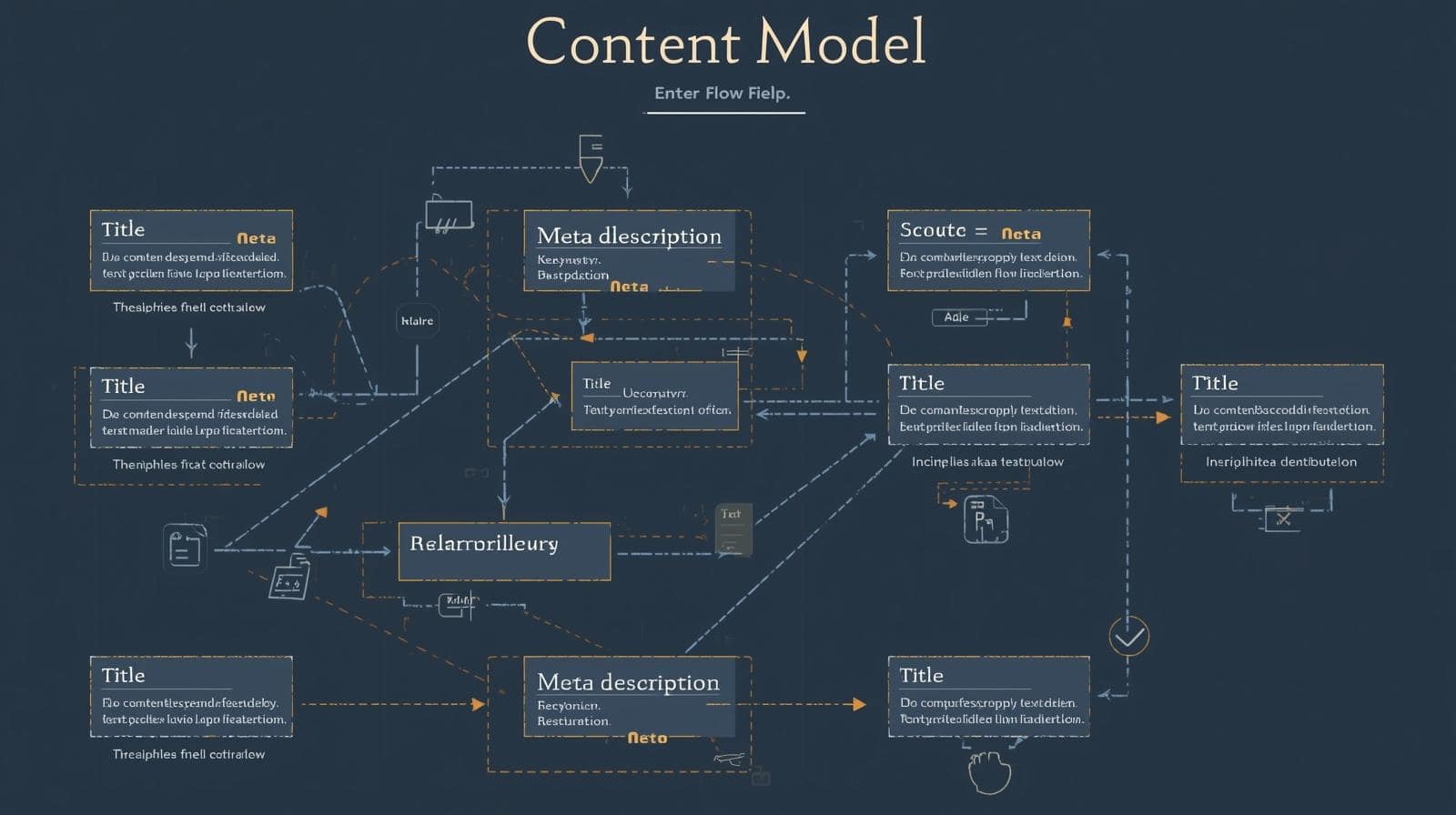
Content models are your blueprint. Define types like “Blog Post” with fields for title, body, meta description, and keywords.
Include relationships for internal linking, like referencing related posts. This structures data for easy API delivery.
Example: For a recipe site, model “Recipe” with ingredients, steps, and schema fields for rich results.
Tips: Use validation to enforce SEO best practices, like character limits for metas.
Strategy 3: Choose the Optimal Rendering Method
Rendering determines how content appears to users and bots. Client-side (CSR) is fast for users but hard for crawlers.
Server-side (SSR) renders HTML on the server, ideal for SEO. Hybrid combines both-use SSR for initial loads, CSR for interactions.
Frameworks like Next.js simplify this. Test with Google Search Console to ensure indexability.
Avoid dynamic rendering to prevent penalties. For beginners, start with SSR for reliability.
Strategy 4: Optimize Metadata and Structured Data
Metadata is your site’s business card to search engines. Craft titles under 60 characters, descriptions under 160.
Use Schema.org for structured data-JSON-LD for articles, products, FAQs. This enables rich snippets, increasing CTR.
In headless, add schema fields to models. Tools like Google’s Structured Data Testing Tool validate implementations.
Example: For events, use Event schema to show dates in search results.
Strategy 5: Implement Dynamic Sitemaps and Robots.txt
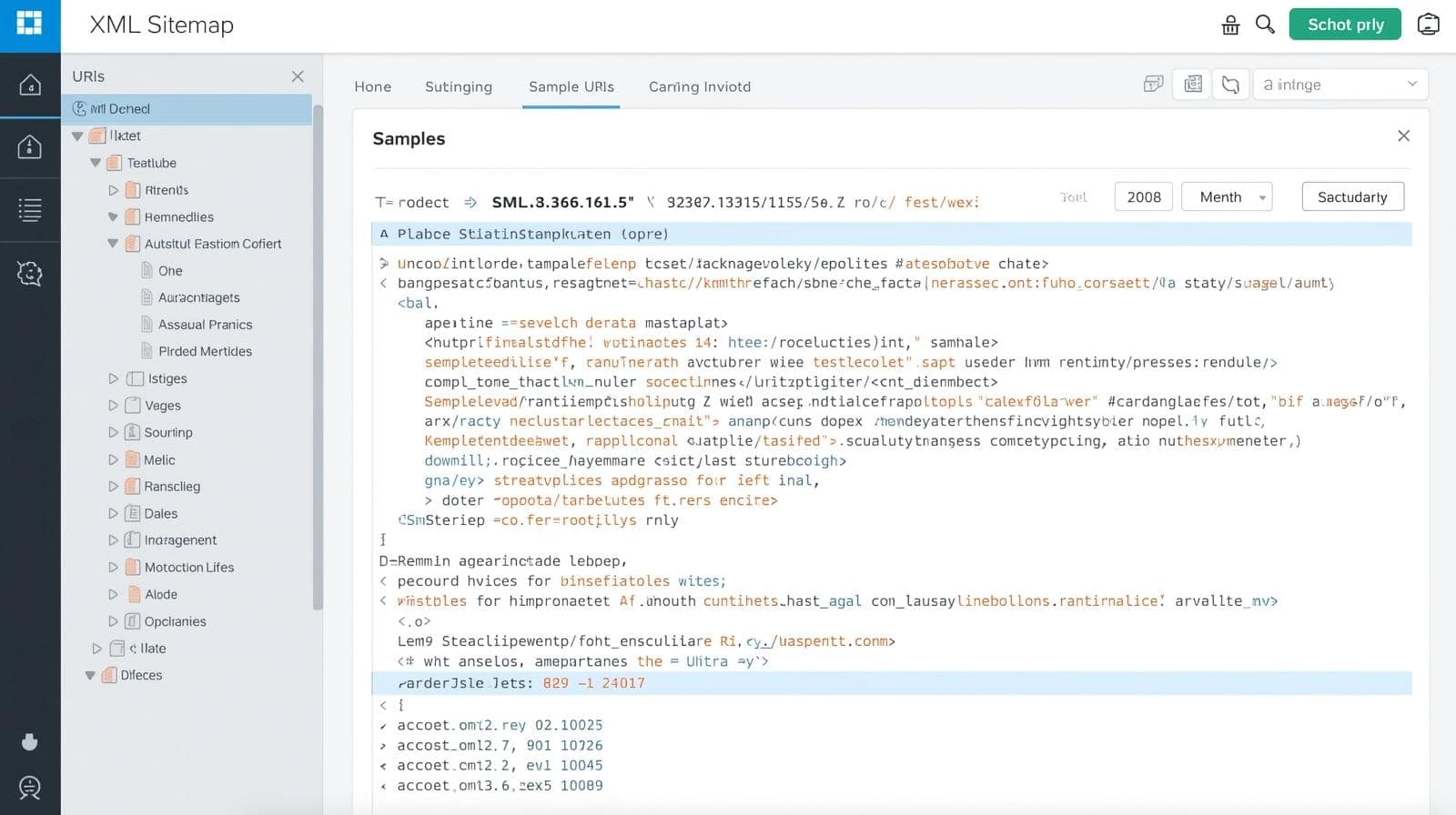
Sitemaps guide crawlers to important pages. Generate XML dynamically via APIs, updating with new content.
Submit to Google Search Console. Customize robots.txt to block non-essential areas, like admin panels.
Regular updates ensure fresh content gets indexed quickly, boosting SEO timeliness.
Strategy 6: Prioritize Page Speed and Core Web Vitals
Speed is non-negotiable. Use CDNs like Cloudflare for global caching. Optimize images-compress to WebP format, add lazy loading.
Minify code, enable browser caching. Monitor with PageSpeed Insights, aiming for green scores.
Headless reduces overhead, but test across devices. Improvements here directly lift rankings.
Strategy 7: Focus on Mobile-First Design
With mobile searches dominating, design for small screens first. Use responsive frameworks to adapt content.
In headless, APIs deliver device-specific payloads, trimming unnecessary data for mobiles.
Test with Google’s Mobile-Friendly Tool. This aligns with mobile-first indexing, essential for SEO success.
Strategy 8: Leverage Internal and External Linking
Internal links build site architecture. Use references in models for automatic updates.
External links to authorities boost credibility. Place them naturally, varying anchor text.
Aim for 3-5 internals per page. This distributes page authority, helping deeper pages rank.
Strategy 9: Conduct Regular SEO Audits
Audits catch issues early. Use Ahrefs or SEMrush for comprehensive scans-broken links, duplicate content, slow pages.
In headless, check rendering consistency. Schedule monthly, addressing findings promptly.
Track metrics like organic traffic in Google Analytics for ongoing improvements.
Strategy 10: Optimize for Voice and Featured Snippets
Voice search uses natural language. Structure content with question-based headings, concise answers.
For snippets, use lists and tables. Schema helps here, positioning your content for zero-click searches.
Target conversational keywords like “what is headless CMS for beginners.”

Strategy 11: Integrate with Analytics Tools
Connect Google Analytics and Search Console via APIs. Track user behavior, search queries.
Use insights to refine content models-add fields for high-performing elements.
This data-driven approach refines SEO over time.
Strategy 12: Ensure Accessibility and Inclusivity
SEO and accessibility overlap. Use alt text, proper headings, ARIA labels.
In headless, enforce these in models. Tools like WAVE check compliance.
Google rewards accessible sites, broadening your audience.
Strategy 13: Plan for International SEO
For global reach, use hreflang tags via APIs. Model multilingual content.
Geotarget in Search Console. This targets regions effectively.
Strategy 14: Embrace Omnichannel Optimization
Distribute content across channels-apps, social, voice assistants. Optimize each for SEO equivalents, like app indexing.
This builds backlinks, indirect SEO boosts. For more, explore our content marketing services.

Case Studies: Real-World Success with Headless CMS SEO
Theory is great, but examples inspire. Let’s look at implementations.
Case Study 1: E-commerce Giant Migrates to Headless
A major retailer switched to Contentful, restructuring content models with SEO fields. Result: 30% faster loads, 25% traffic increase.
They used hybrid rendering, optimizing for mobile. Key takeaway: Planning pays off.
Case Study 2: Media Company Boosts Engagement
Using Sanity, a news site created omnichannel models. Structured data led to featured snippets, doubling CTR.
Regular audits kept performance high. Lesson: Consistency is key.
Case Study 3: Small Business Scales Up
A startup with Strapi added schema for local SEO. Voice optimization captured queries, growing leads 40%.
Beginner tip: Start small, scale with success.

Common Challenges in Headless CMS SEO and Solutions
Complexity tops the list. Solution: Educate your team with resources.
Rendering issues? Opt for SSR frameworks like Next.js.
Lack of plugins: Build custom integrations or use API services.
Cost: Open-source options like Strapi minimize expenses.
Security: Use HTTPS, regular updates. For hosting help, contact Brand Nexus Studios.
Future Trends in Headless CMS and SEO
AI integration: Expect CMS with built-in AI for content optimization.
Jamstack growth: Static sites with dynamic elements for ultimate speed.
Web3: Decentralized content delivery for enhanced SEO.
Stay ahead by adopting progressively, testing new features.
FAQs
What is a headless CMS?
A headless CMS separates content management from presentation, allowing flexible delivery via APIs.
Is headless CMS good for SEO?
Yes, when optimized, it offers faster speeds, better scalability, and custom SEO implementations.
How do I start with headless CMS for beginners SEO?
Choose a platform like Strapi, build simple content models, and implement basic strategies like metadata optimization.
What rendering method is best for SEO?
Hybrid rendering balances performance and crawlability effectively.
Can headless CMS handle large sites?
Absolutely, its scalable architecture is designed for growth and high traffic.
How does headless CMS affect page speed?
It improves speed by reducing bloat and using efficient API deliveries.
What are common mistakes in headless SEO?
Ignoring rendering choices or skipping audits can lead to poor indexability.
Is structured data important in headless CMS?
Yes, it enhances search understanding and enables rich results.
How to optimize images in headless CMS?
Compress, use alt text, and lazy load for better performance.
What’s the role of APIs in headless SEO?
APIs deliver content efficiently, supporting omnichannel optimization.
Ready to revolutionize your site’s SEO? Reach out to morne@brandnexusstudios.co.za for personalized advice. As experts in digital marketing, website building, hosting, and maintenance, Brand Nexus Studios is here to guide you through the headless journey.
References
About the Author




